Relampo Studio
Relampo Studio is the local visual editor for authoring, inspecting, and executing Relampo YAML scripts. Start it from the CLI with:
relampo studio scenario.yaml
Studio opens the YAML as a working document. Start a new test by adding a Test
Plan, or upload an existing .yaml or .yml file to continue working on it.
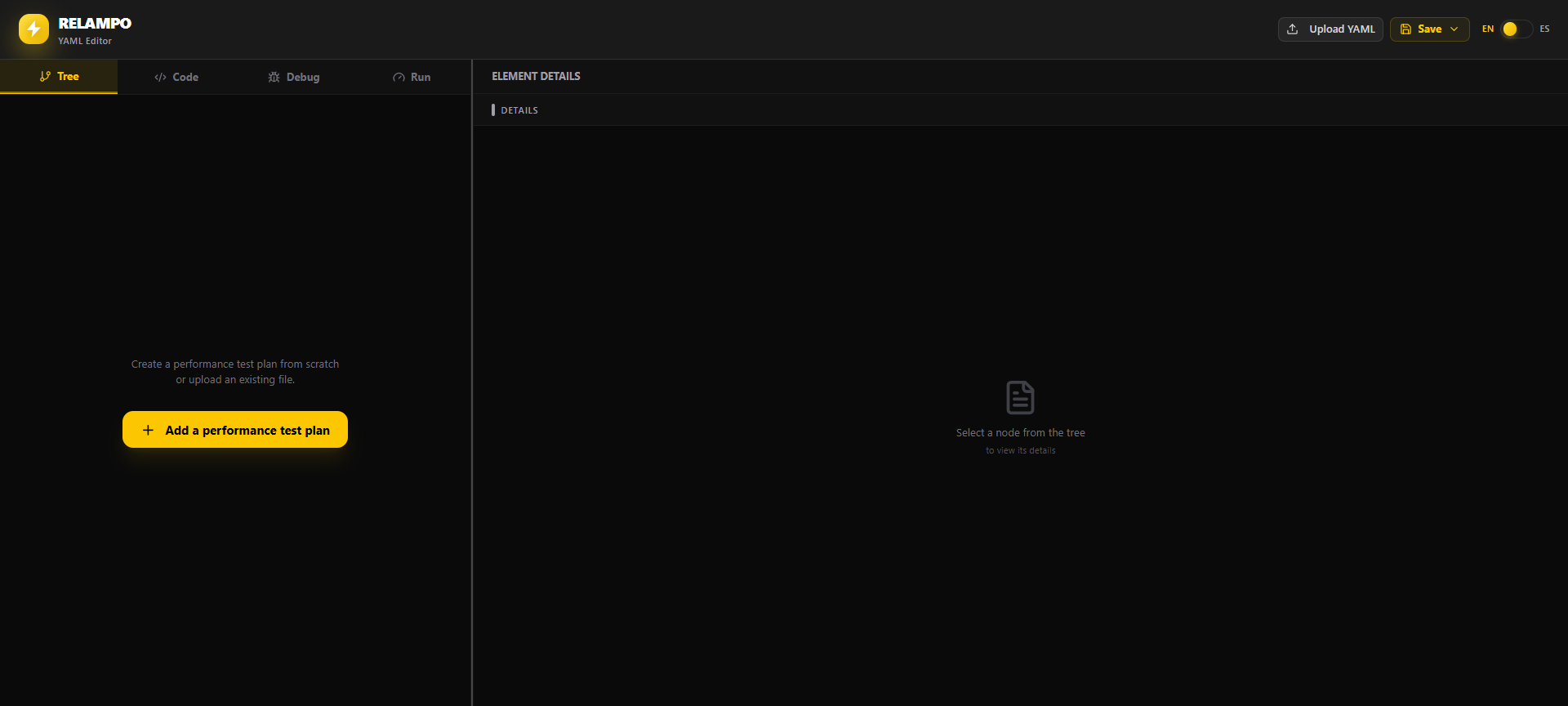
Create, open, and save tests
Use Studio to:
- add a Test Plan as the starting structure for a new test
- upload an existing YAML file and edit it visually
- save or download the modified YAML with recorded request responses included
- save or download the modified YAML without recorded request responses
Purpose
Use Studio after recording and correlation when you want to refine a YAML script visually, inspect its behavior before load, or execute its configured load with a visual Run.
relampo record -> relampo correlate -> Relampo Studio
Areas of Studio
- Tree organizes the YAML document as editable nodes.
- Code shows the canonical YAML representation.
- Debug inspects a bounded execution before applying load.
- Run executes the YAML
loadconfiguration visually. - Visual components maps the Studio interface.
For command syntax and local-server behavior, see
studio in CLI Reference.